Creating your Hexfit account takes 10 seconds. What’s next?
You get a 14-day free trial to explore the software and test as many features as possible.
Of course, you can jump straight into building a training program, but here we suggest a more complete path: you’ll discover that Hexfit isn’t just the best program builder out there, it’s a premium client experience.
Here are 5 simple steps to get up to speed with Hexfit quickly and start exploring its full potential.
First, create your account.
On the sign-up page: enter your email address and password, or sign in with Google.
Welcome to Hexfit!
Step 1: Explore your client profile
Click the “Contacts” tab. That’s where you’ll find your client list.
As soon as you create your account, you’ll see a profile under your own name, followed by “(Client)”. This is your sandbox to test the software without touching your real clients’ files.
Open that profile and take the time to explore each tab: summary, goals, programs, tracking, documents.
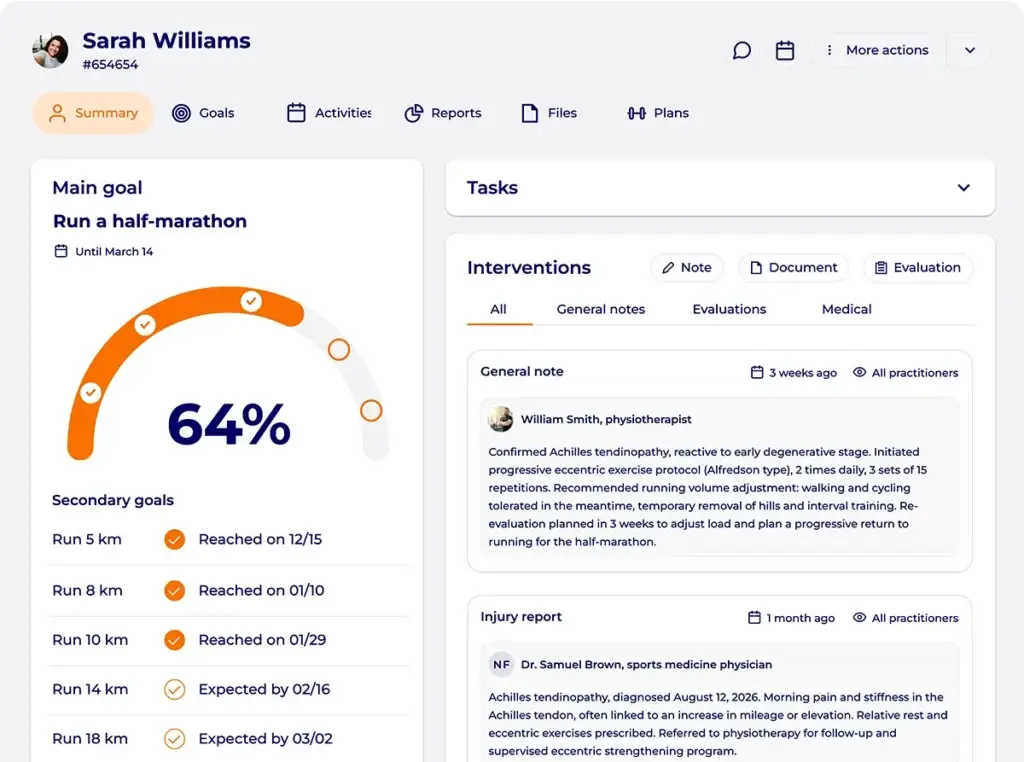
This is where Hexfit centralizes all your client’s specific information, organized by topic.
Check out this article to learn more:
Step 2: Set a goal
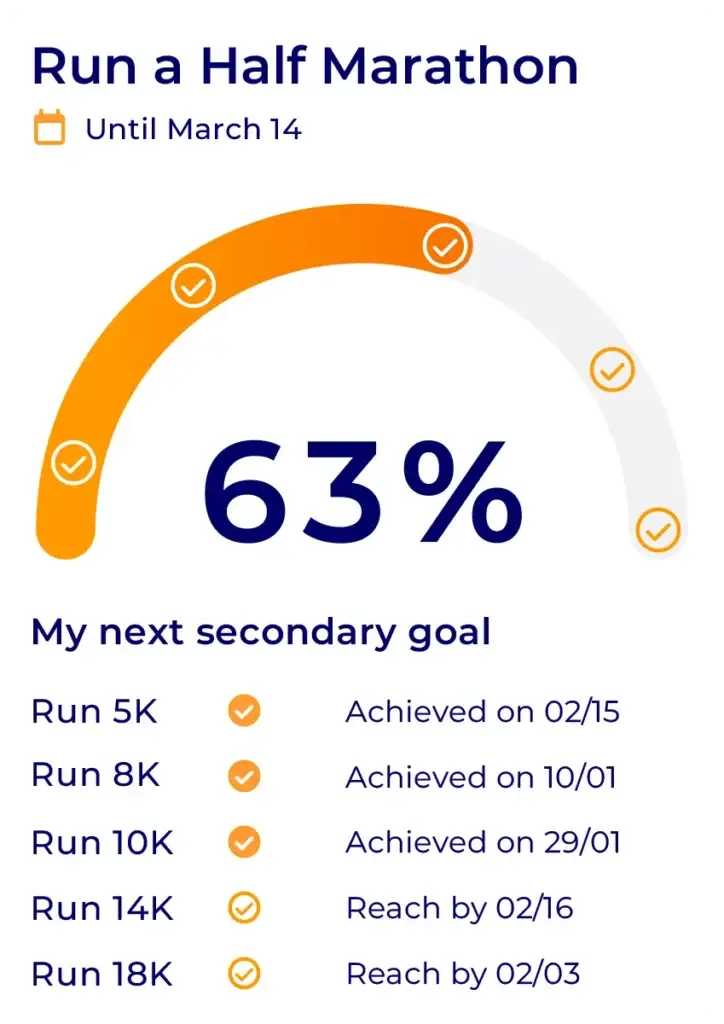
Every client relationship starts with a specific goal. Go to the “Goals” tab to add a main goal and sub-goals to the profile.
You’ll see that this action generates a first chart, which will appear in your client’s app so they can visualize their progress.
Step 3: Build your first training program
Time to build a training program for this test client.
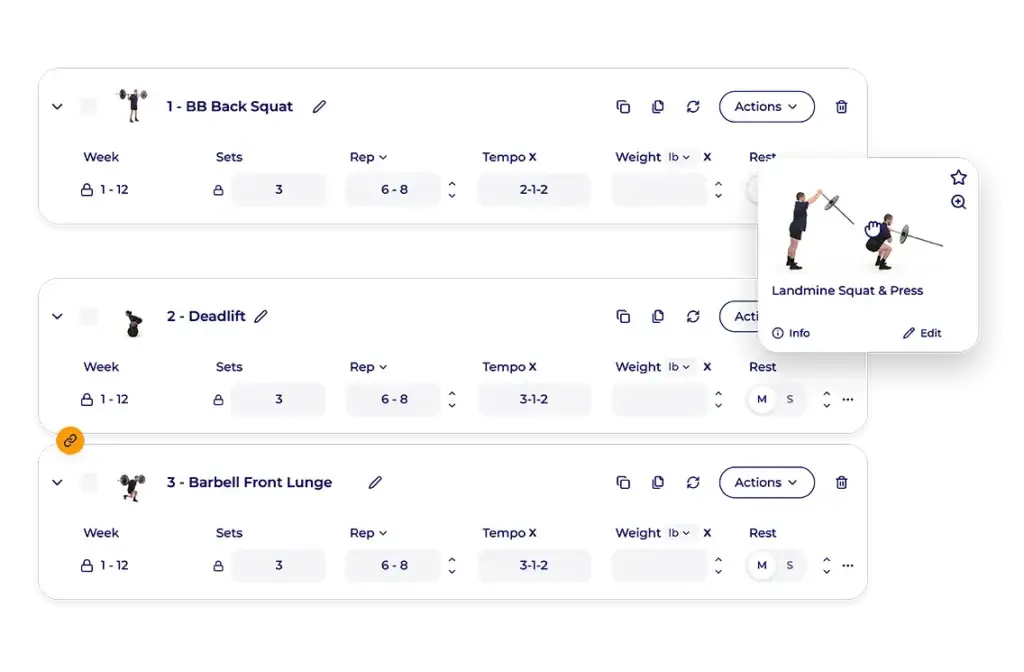
In the “plans” tab, click “create a program” and discover the program builder engine.
- Create a program
- Add a session
- Prompt the AI to generate a session base,
- Edit its suggestion,
- Draw from a library of over 13,000 exercises,
- Discover the tools that speed up creation (cloning an exercise’s attributes, swapping an exercise while keeping its prescription, etc.)
- Publish the program to find it later on the mobile app
Learn more:
Step 4: Explore physical assessments
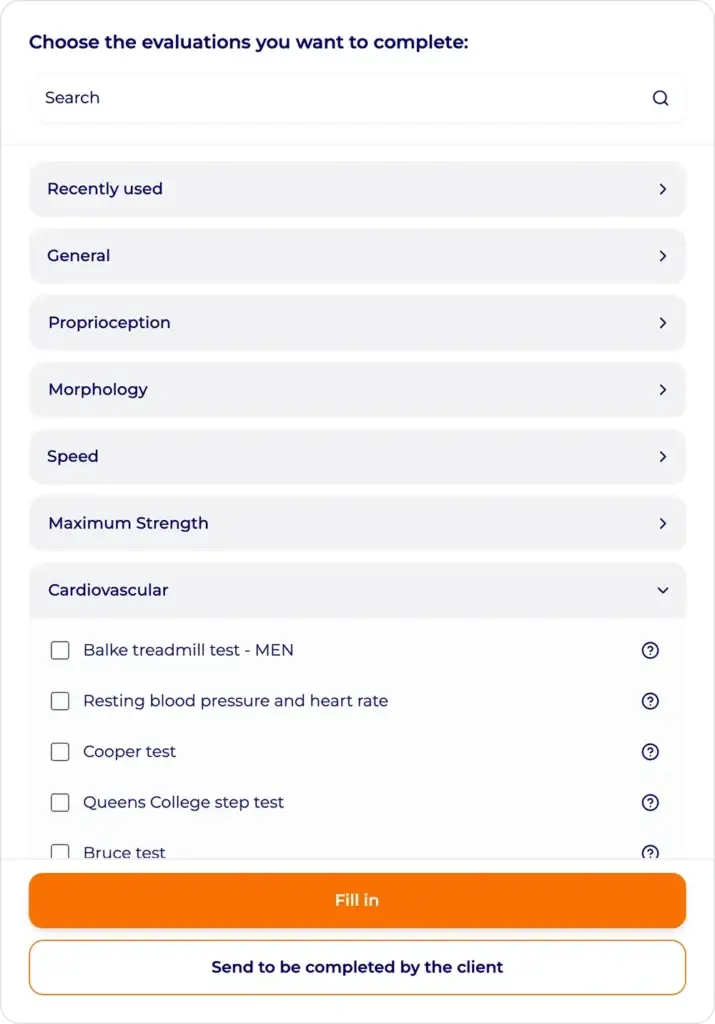
Before you can track a client’s progress, you need a starting point. Explore the physical tests and assessment documents available in Hexfit: over 150 ready-to-use protocols to build a complete baseline.
To do that, click “documents” or “assessments”
These tests can be filled out directly by you in person, or sent to the client so they can complete them themselves from their app.
Learn more:
Good to know: once you’ve completed several assessments for the same client, you’ll be able to generate charts showing progress based on data entered manually or pulled from watches or training sessions.
Log a few data points so you can see the visual progression
You’ll find the data on the client’s profile.
Click “log new data” and enter data on several dates to see it evolve.
Step 5: Experience Hexfit Go as your client would
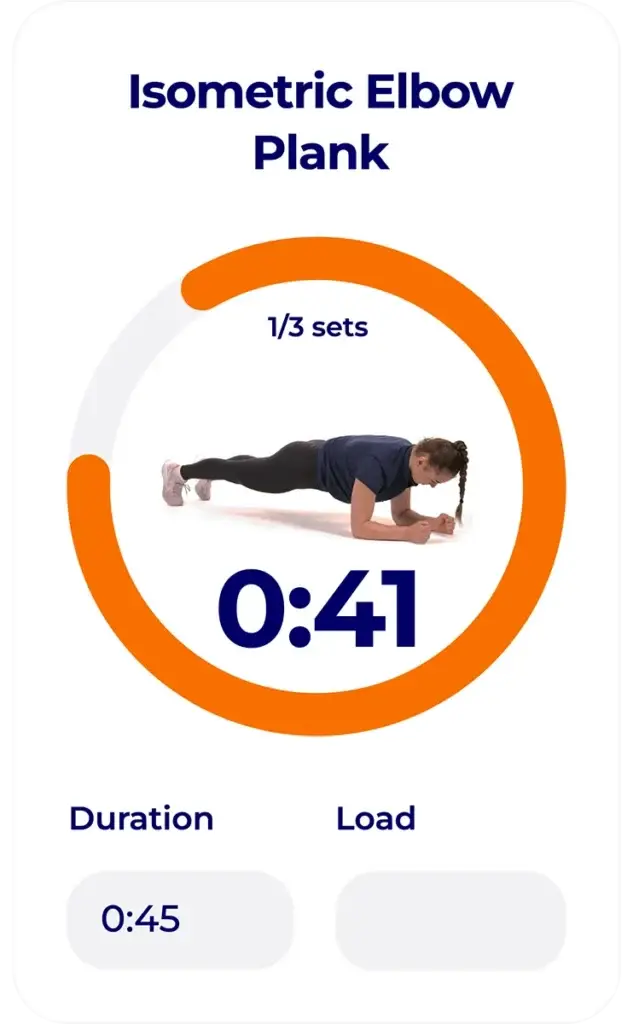
Push the program you created in step 2 to the mobile app, then switch hats. Open the Hexfit Go app as a client, using your test profile’s account, to experience what your future clients will experience.
Go through the program as if you were your own client: follow the exercises, use the built-in timer, complete the session. You’ll immediately understand why your clients will have no more excuses for skipping their plan.
You’ve covered the essentials
By following these 5 steps, you’ve tested the essential features.
To keep exploring:
- Create nutrition plans and recipes
- Plan your professional tasks
- Try AI-powered tracking notes
- Try group challenges
- Share resources as files or links
- Create your own exercises, add your images, videos, and instructions
- Check the “Today” dashboard, which centralizes everything you need to know and do
- Check the progress charts in the “reports” tab
Need help along the way? The online help articles and Hexfit Academy are here to answer all your questions, and our team is available via chat directly inside the software.
FAQ
How long do I have to try Hexfit?
You get a 14-day free trial to test the software, no credit card required.
Do I need to follow the 5 steps in order?
No, you can do things in whatever order you like. This is just a logical suggestion to make onboarding easier.
What should I do if I get stuck on a step?
You have access to online help articles, Hexfit Academy videos, and chat with our team directly from the software.