Nutrition Tracking Software for Coaches and Nutritionists
Your clients scan their meals, you see their habits and adjust their plan, training and nutrition together in one file.
Nutrition tracking is a module that lets you follow a client’s eating habits directly within their training file. For coaches and nutritionists, it finally gives full visibility into what clients eat between sessions. Hexfit centralizes meal plans, barcode scanning, and the client’s food journal in one tool, for complete coaching without juggling multiple apps.
Developed with nutritionists
GDPR compliant
+7 000 active professionals
What most coaches and health professionals go through without integrated nutrition tracking
Your clients' eating habits remain a black box between sessions
Training and nutrition live in two apps that don't talk to each other
You adjust plans blindly, without real data on what they eat
How nutrition tracking works in Hexfit
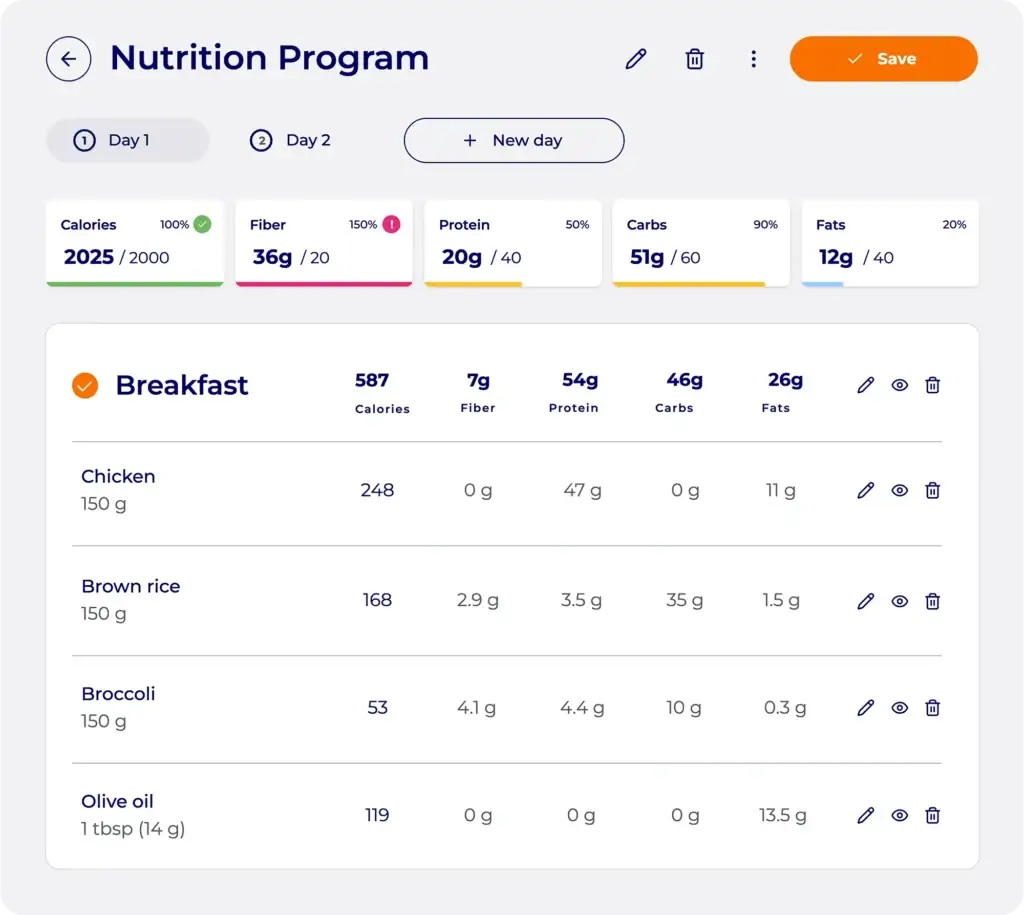
Complete meal plans, with automatic calculations
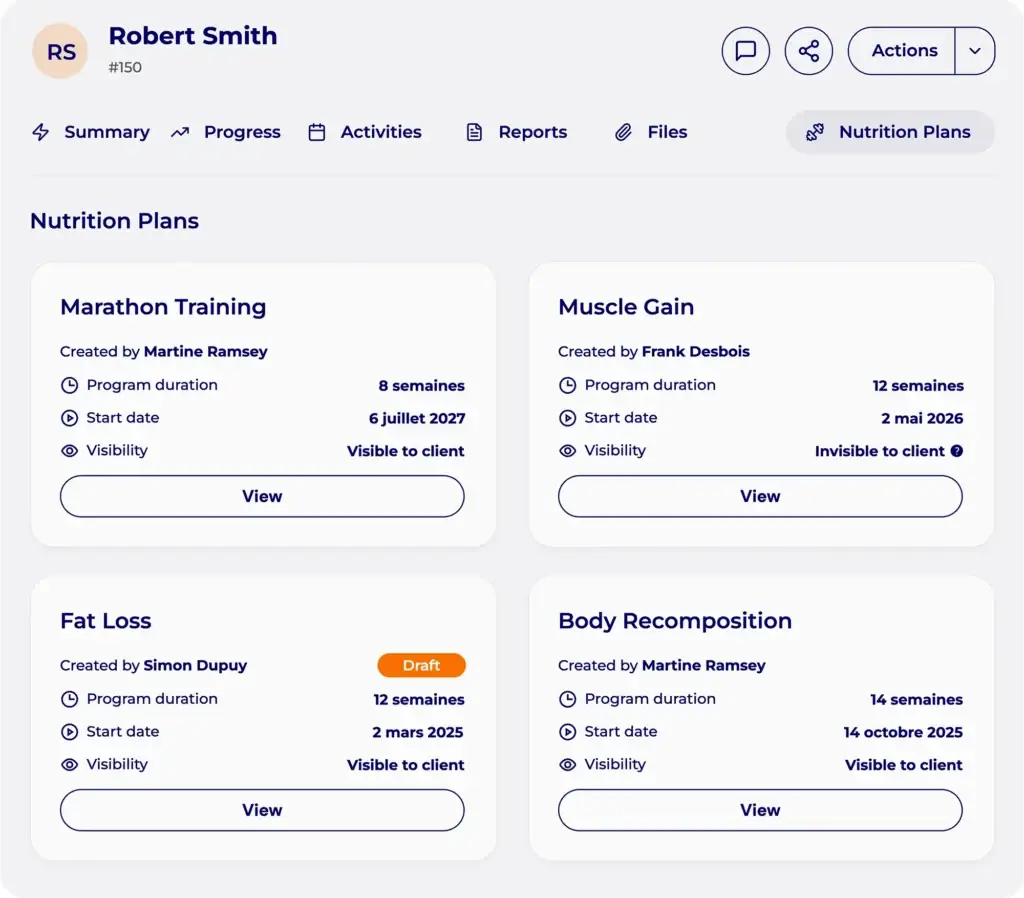
You set the nutrition targets, then build the plan meal by meal: pick from the recipe bank, write your own, or ask Hexfit’s AI to generate one based on your constraints. Hexfit calculates nutritional values automatically, updated in real time.
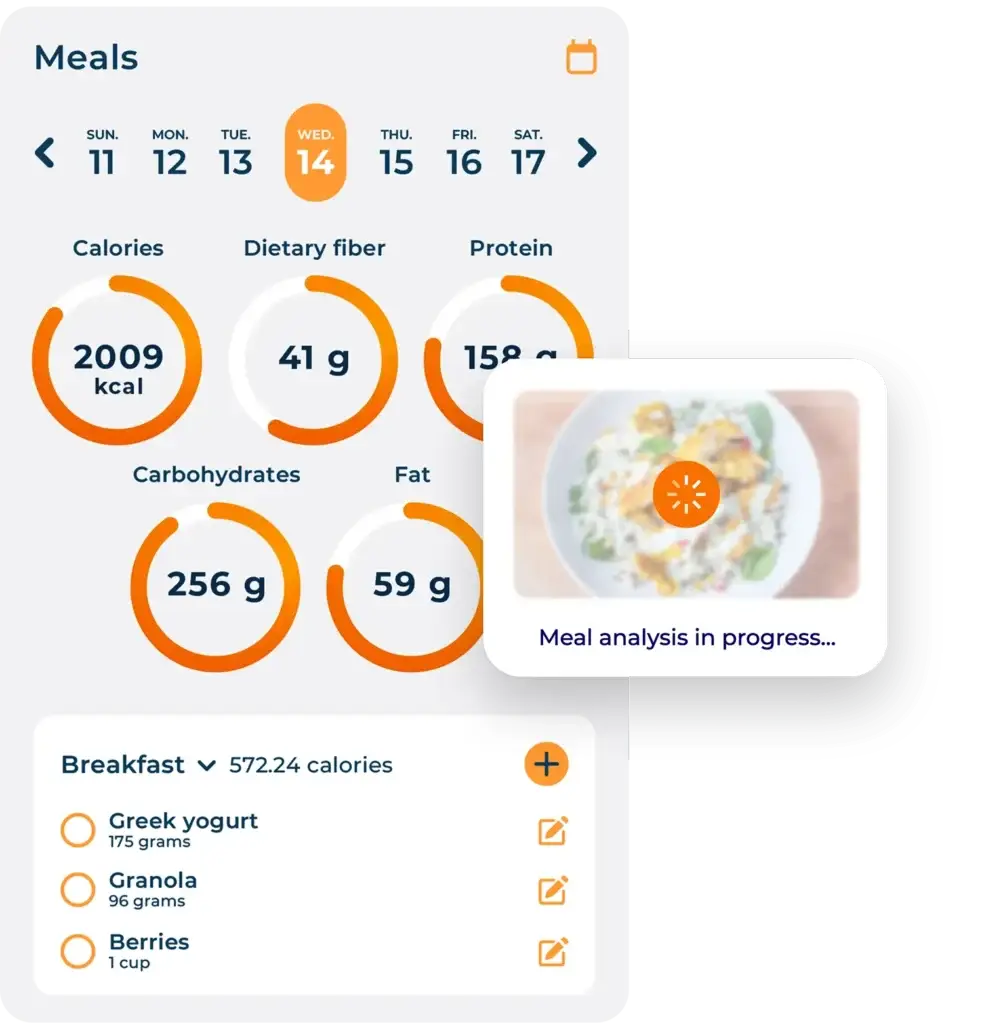
Barcode scanning or a plate photo, right from the mobile app
Your clients don’t need to search for every food item by hand. From Hexfit Go, they scan a product’s barcode or take a photo of their plate: Hexfit’s AI recognizes the food and estimates portions automatically, with the option to adjust if needed. Logging becomes fast, and the data flows accurately into their file.
A food journal you check right from the client file
Your client logs meals in the app. You access their journal from your software: daily intake details, macros, progress over time. A concrete tool for understanding your clients’ eating habits, especially useful for weight-loss goals.
Eating habits on the calendar, not just plans
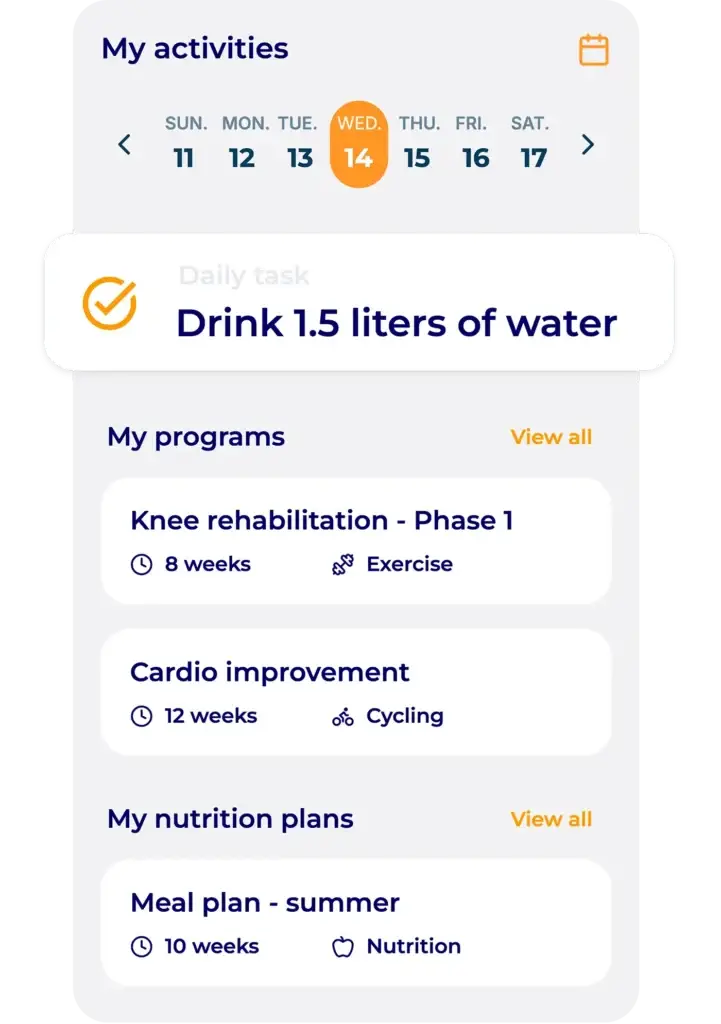
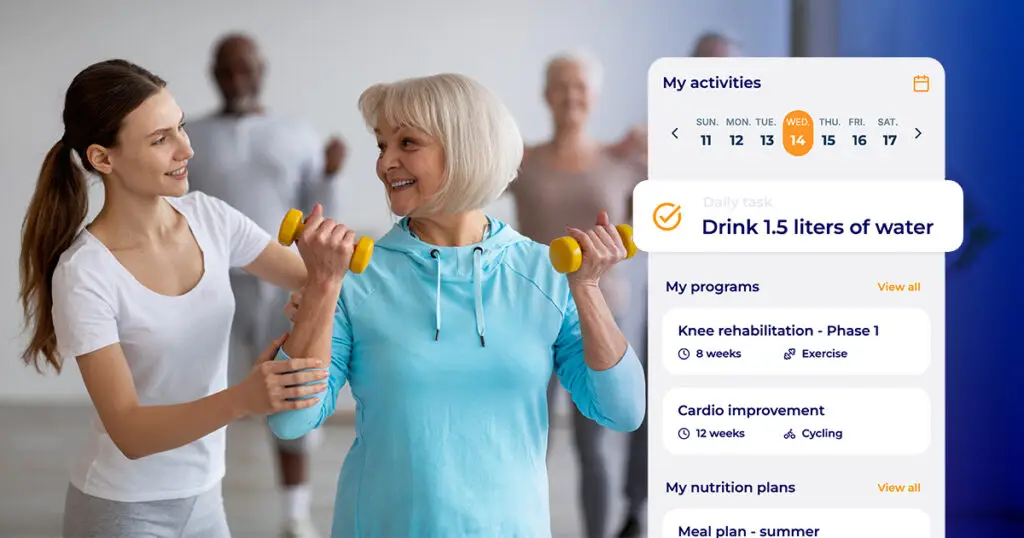
Beyond the nutrition plan, add daily tasks to the client’s calendar: drink 1.5 liters of water, don’t skip breakfast, cut back on sugar after 6pm. These habits show up in Hexfit Go, and the client checks them off throughout the day.
Collaborating with a professional nutritionist
If your client needs more advanced nutrition tracking (micronutrients, a health condition, specialized care), share their Hexfit file with a nutritionist and coordinate care around the client together.
What nutrition tracking changes in your practice
Real visibility into your clients' eating habits, between sessions
Composition tables, calculated recipes, custom reports: all in one place for you
Integrated nutrition tracking that justifies your premium rates
Nutrition tracking by practice type
Weight-loss coach
Your clients put in the work at training but the results aren’t showing. With the food journal and calendar habits, you quickly spot what’s holding them back: skipped meals, poorly timed carb intake, not enough hydration. You step in precisely, without replacing a nutritionist.
Nutritionist or dietitian
You build precise plans from reliable composition tables and create therapeutic recipes. Hexfit gives you these tools in software built for the client’s overall tracking. Working alongside a physical trainer, file sharing means coordinated care with no duplicated work or lost information.
Physical therapist or exercise physiologist
Your rehabilitation or adapted physical activity work is closely tied to your patients’ nutritional status. Access the food journal, review energy intake, and coordinate with a dietitian on the same file: tools for genuinely integrated care.
What professionals say about nutrition tracking
Your questions about nutrition tracking in Hexfit
How do my clients log their food intake?
From Hexfit Go, your clients can log food manually, scan a product’s barcode, or take a photo of their plate that Hexfit’s AI automatically analyzes to recognize the food and estimate portions. The journal syncs in real time with your software.
Can I create my own recipes?
Yes, in two ways: write the recipe ingredient by ingredient, or ask Hexfit’s AI to generate it based on your constraints (for example, “create an apple pie recipe with less than 20g of carbs per serving”). Either way, Hexfit calculates the nutritional values automatically. You can reuse the recipe across different plans or share it directly with a client. A ready-to-use recipe bank is also available to get started quickly.
How do calendar habits work?
Add daily tasks related to food or hydration to the client’s calendar (drink X glasses of water, stick to a meal schedule, etc.). Your clients find them in Hexfit Go and check them off throughout the day. A great tool for building gradual habit changes.
Can I collaborate with a nutritionist on the same client file?
Yes. You can share a client’s file with another professional in Hexfit. Each of you accesses the information relevant to you, and you both work from the same data. Ideal for multidisciplinary care.