Billing, appointments, records, and team: all centralized.

No more spreadsheets, text reminders, or manual payment follow-ups. Hexfit brings billing, appointments, records, team, and group classes together in one interface built for fitness pros.


+7 000 active professionals

97% satisfaction rate
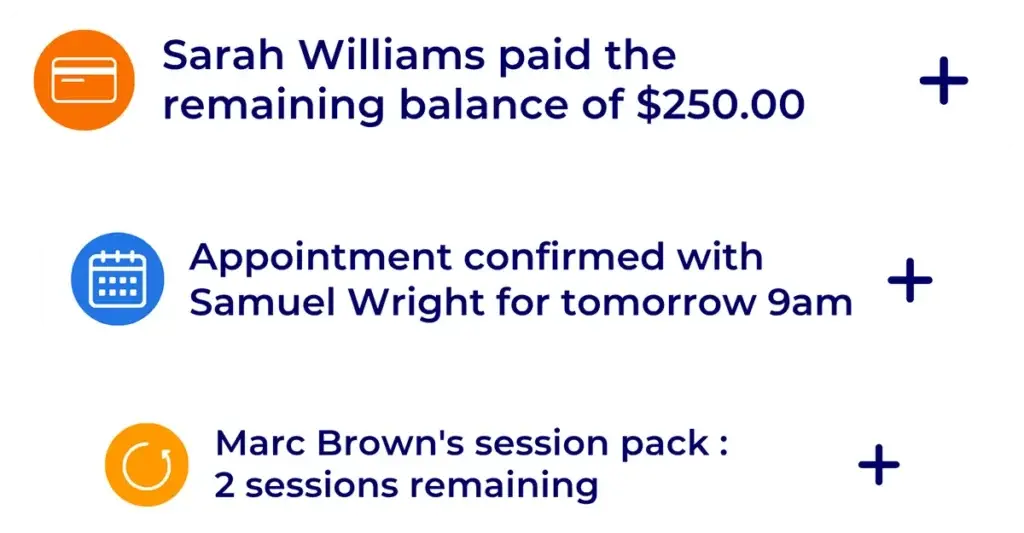

Hexfit dashboard notifications: balance payment received, confirmed appointment, and a session package running low

What most professionals deal with without integrated administration

Manual payment follow-ups

Tracking who’s paid, who still owes for a session, and following up by text or email takes forever, session packages included.

A schedule and group classes scattered across tools

Without online booking or class sign-ups, every slot gets arranged by phone or text, with the no-show risk that comes without automatic reminders.

Client records and a team that are hard to keep track of
Without a centralized history or a clear view of who does what on your team, you lose track of your clients’ progress and everyone’s workload.

How administration works in Hexfit

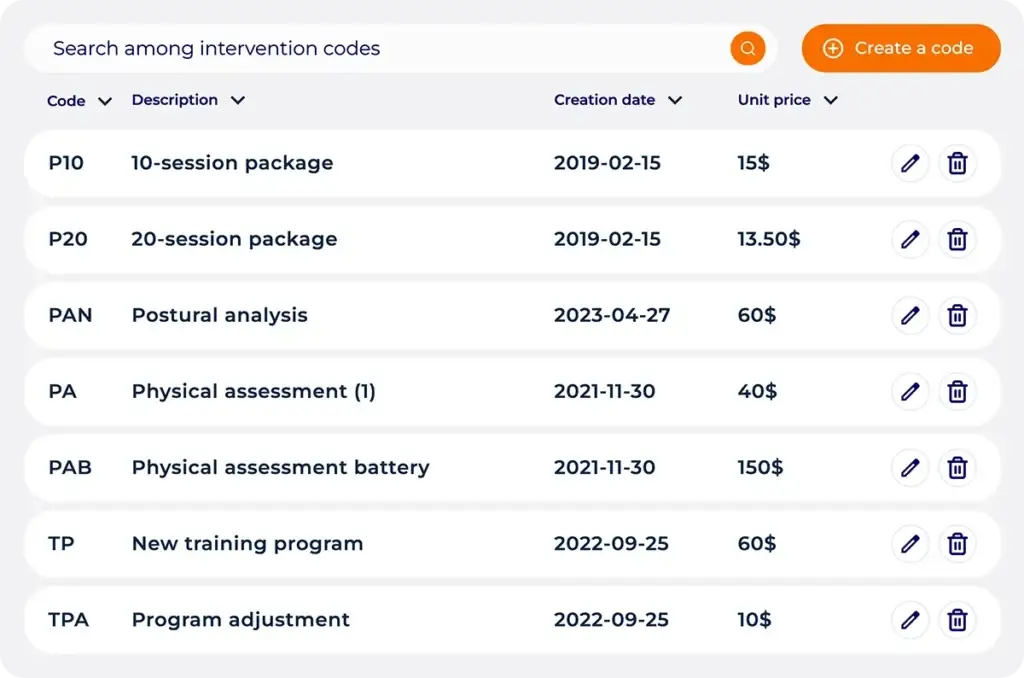
List of Hexfit intervention codes with 10- and 20-session packages, description, and unit price

Flexible billing: billable, non-billable, per session or as a package
Each type of intervention (note, assessment, document, appointment) can be linked to a billable code with a price, or left non-billable. You can also credit a number of prepaid sessions to a client’s file: every time the matching code is used, their balance drops automatically, with no manual recalculation on your part.

Group class booking button in the Hexfit Go mobile app, client signs up for a class from their phone

Group classes: online sign-up right in your clients' app

You add the booking link of your choice to the Hexfit Go mobile app, your clients check your available classes there and sign up without leaving the app. Hexfit also offers a dedicated integration with Acuity Scheduling, with a booking button built directly into the app.

Logos des applications connectées à Hexfit, dont Stripe, Zapier, Strava, Mindbody, Google Calendar, Apple Santé, Google Fit et InBody

Seamless integration with Stripe

Your clients’ payments go through Stripe, connected to your Hexfit account. You can apply taxes, customize your invoices, and automate part of the billing for recurring activities.

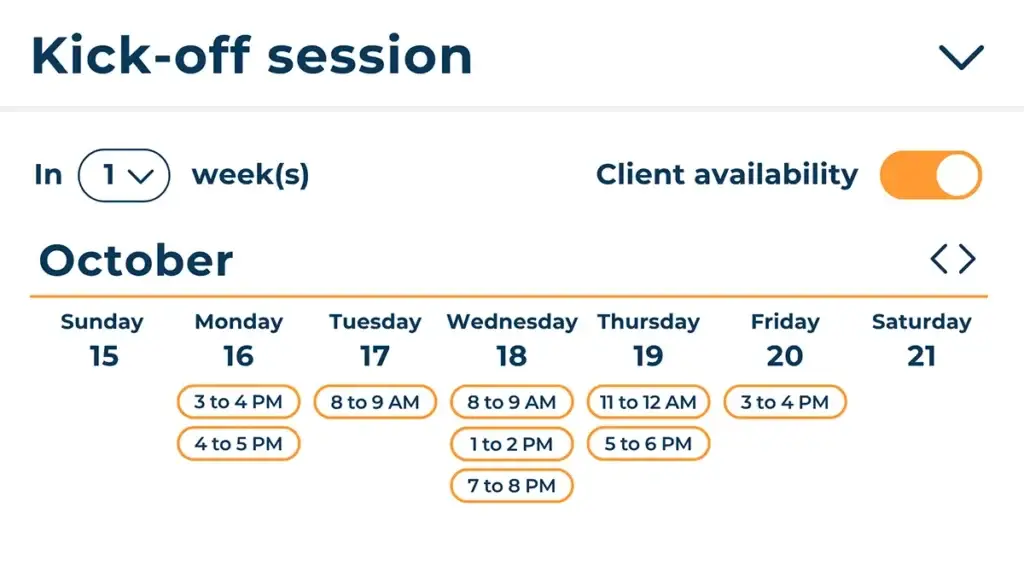
Hexfit appointment scheduling calendar showing available time slots for a client's kickoff session

Appointment booking with automatic reminders
You set your availability and preferences (notice period, reminders, cancellation policy), and your clients book a slot from the mobile app or a public link. The time that works for both of you is found in no time.

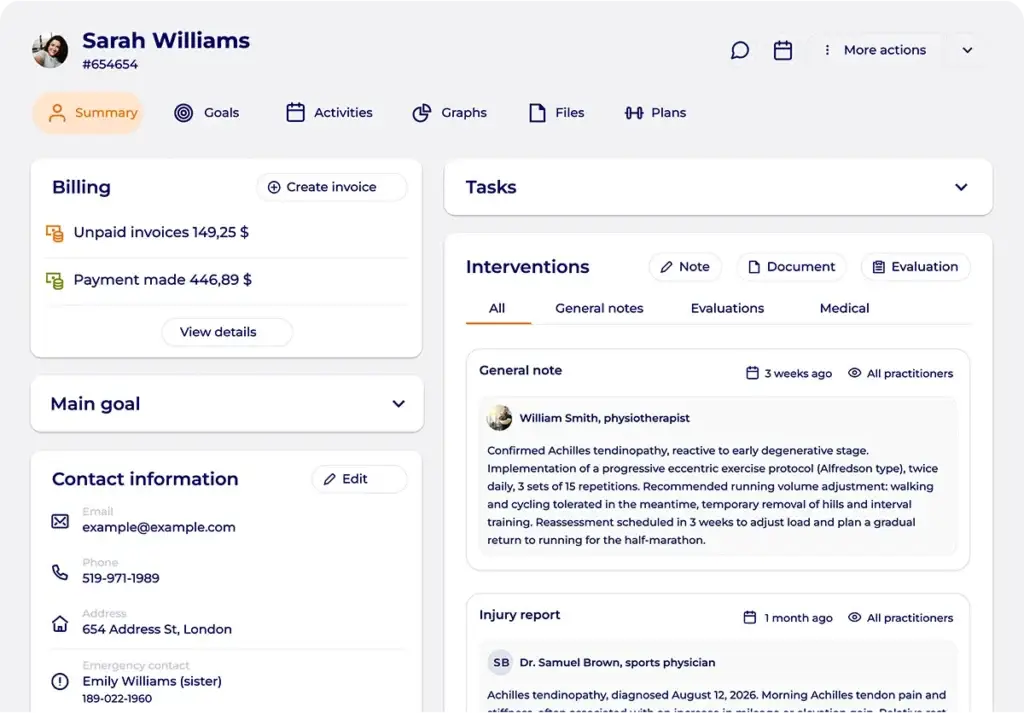
Hexfit client profile showing billing (unpaid invoices, payments made) alongside tracking and intervention notes from the sports doctor and physiotherapist for an Achilles tendinopathy

Client records: history always up to date
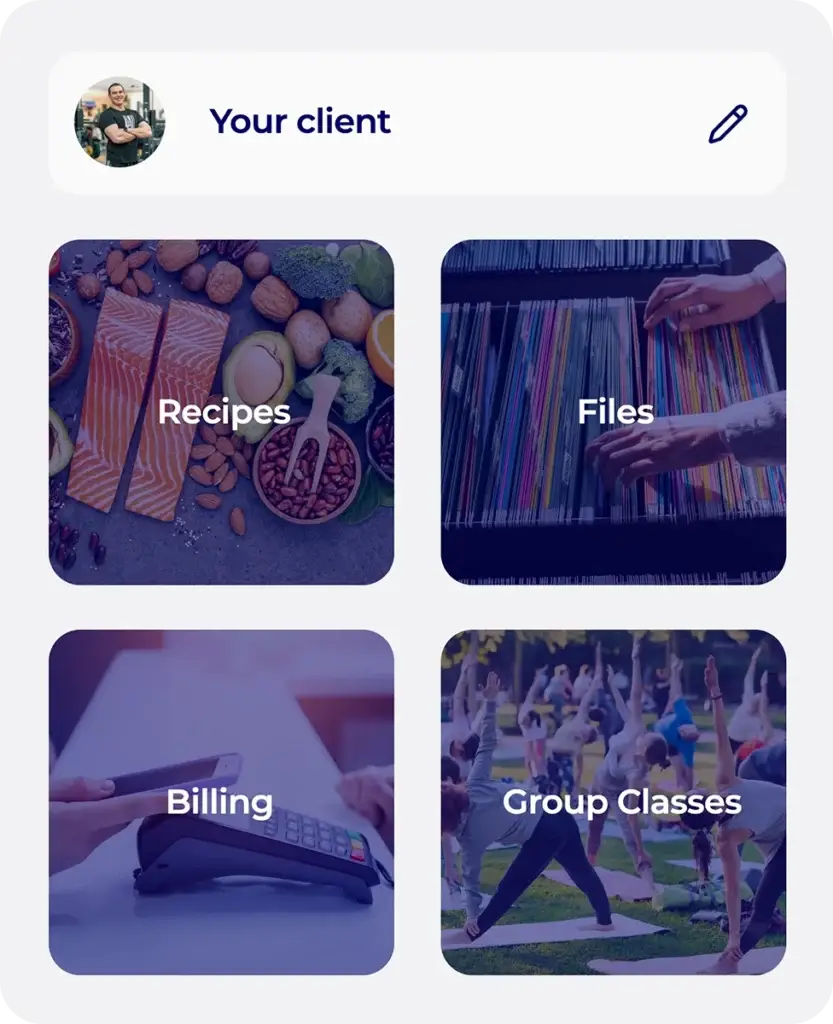
Every client has a centralized file: session history, goals, notes, and documents. You build on what’s already been done instead of starting from scratch at every appointment.

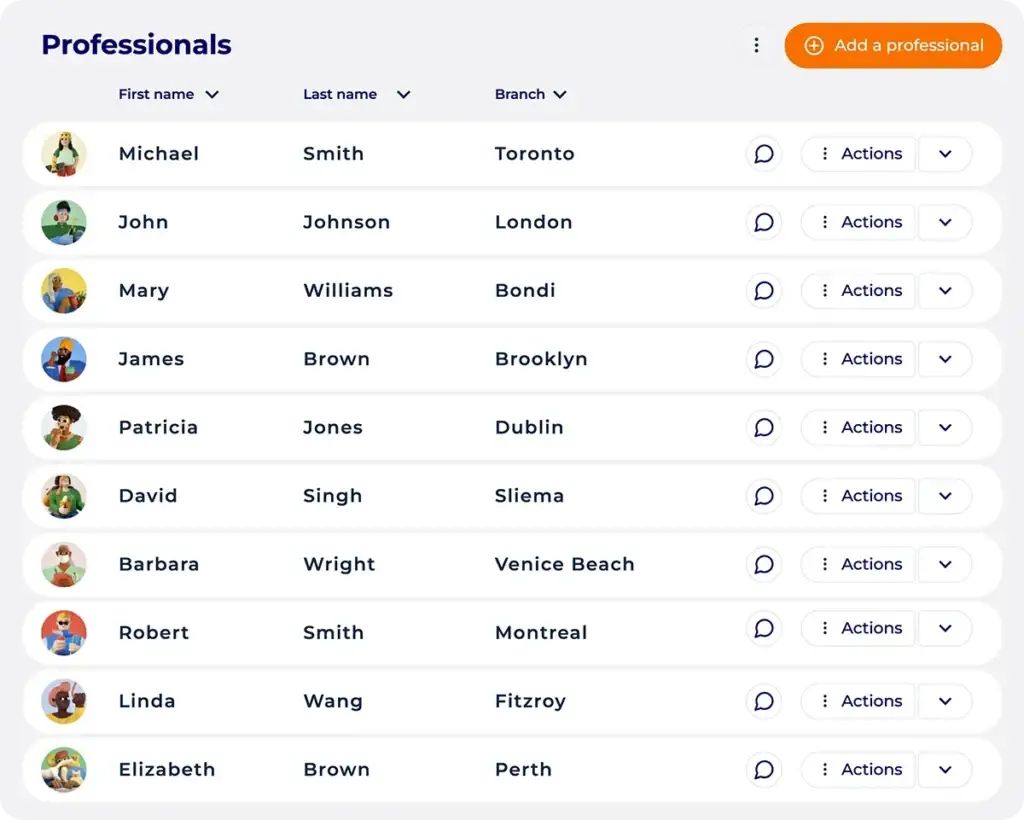
List of professionals in Hexfit showing first name, last name and assigned location, illustrating team management across several sites

Team management: roles, permissions, and oversight

You assign a role to each team member (coach, manager) with the right permissions, and keep an overview of everyone’s activity. You split clients between coaches and track workload without having to ask each one for a status update.

What administration in Hexfit changes in your day-to-day

The end of thankless, repetitive tasks

Follow-ups, appointment reminders, and package tracking happen without you. It’s the kind of gain that explains why professionals using Hexfit save an average of 4,8h per week.

A professional image, from first contact to invoice

Online booking, invoices with your branding: your clients go through tools that reflect how serious your practice is.

A clear view of every client's balance

You always know how many sessions a client has left. Simple.

What pros say about administration in Hexfit

Your questions about administration features in Hexfit

Are billing and appointments included in all Hexfit plans?

No. These features are available starting from certain Hexfit plans. Check the Pricing page to see what’s included in your plan.

Yes. You credit the number of sessions sold to the client’s file, and their balance drops automatically with each use, with no manual recalculation.

Payments go through Stripe, connected to your Hexfit account. Your clients can pay by card, bank transfer, or other methods enabled on your account.

Yes. Each service code can be set up as billable, with an associated price, or left non-billable. This distinction applies to notes, assessments, documents, and appointments.

Yes. You assign a role to each member (coach, manager) with the permissions and visibility that go with it, and keep an overview of how clients are split between coaches.

Yes, from the mobile app or a public link you share with them. The software directly suggests times when you’re both available.

You add the booking link of your choice to the Hexfit Go mobile app. Hexfit also offers a dedicated integration with Acuity Scheduling, with a booking button built directly into the app.

Yes, partly. The client’s balance updates automatically once the recurring activity has taken place. The invoice itself is still sent whenever you choose, to stay realistic for your bookkeeping. Beyond that, you can automate without limit through the Zapier integration.